RevisionView 3D
WIPA browser-based model comparison tool built to support faster asset iteration
Personal Project
2026
Solo Developer / Technical Artist
Context
A browser-based 3D review tool that grew out of Road Trip: Ahead One. I built it to compare models before and after optimization, inspect visual changes from matching views, and make repeated asset iteration easier.
My Contribution
Designed and developed the comparison and review workflow, including synchronized cameras, comparison modes, material inspection, saved viewpoints, version-linked annotations, and local review persistence.
Impact / Outcome
Turned a recurring Road Trip asset-review task into a reusable tool for checking visual changes across revisions. The comparison workflow is usable today; the standalone product remains a work in progress.
Outcome Summary
From Road Trip to a Review Tool
RevisionView 3D started as a side project while I was developing Road Trip: Ahead One. As I revised and optimized assets, I needed a convenient way to compare the original model with the next candidate and decide whether the visual result still held up.
The useful comparison was more specific than opening two files: I wanted to inspect the same silhouette, surface, or small detail from the same angle, then return to that view after another iteration. I built RevisionView around that review loop and developed it into a standalone browser tool.
WIP — the current focus is local model comparison and repeatable visual review.
Coffee Shop Example
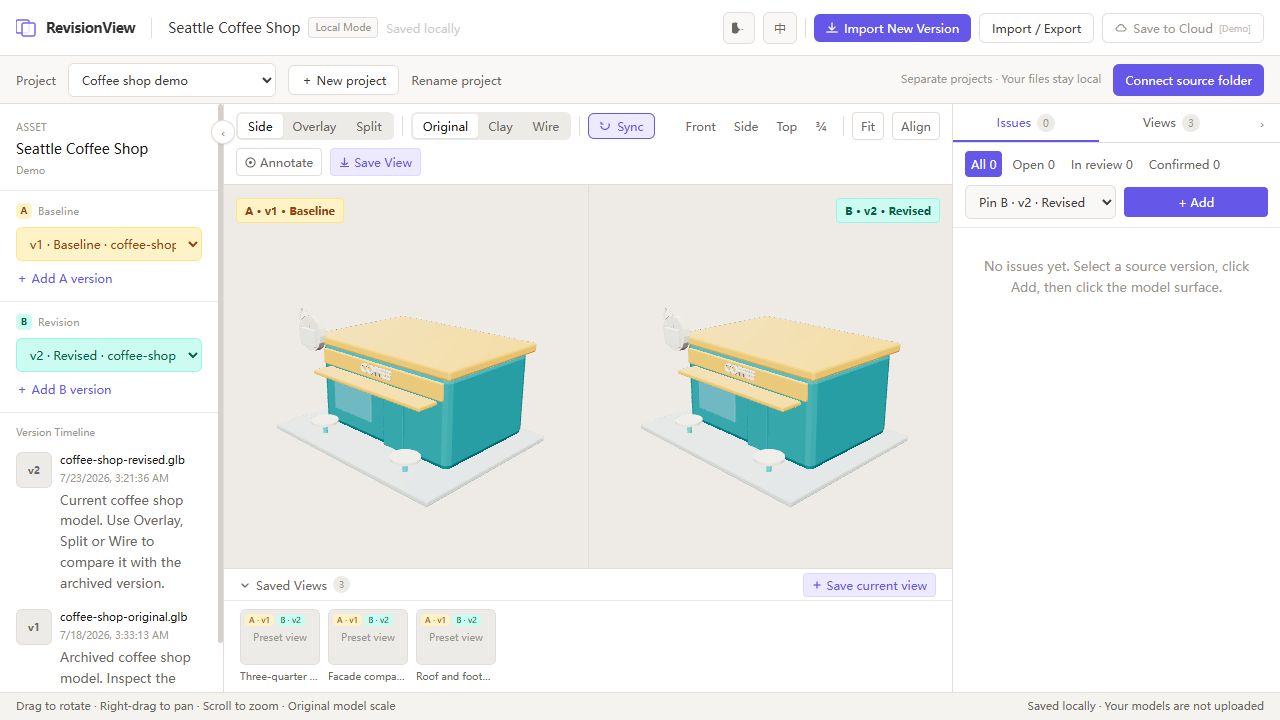
The example uses Seattle Coffee Shop, a locally saved Road Trip asset. The baseline is an archived version of the model; the revised model is a later version. Both are included in the website's built-in demo, so visitors can try the comparison immediately.
In the side-by-side view above, synchronized cameras keep the two versions at a matching angle. The facade, awning, rooftop cup sign, and building footprint provide useful landmarks when checking whether a revision changes the asset's proportions or readability.
Compare the same area
Split view places both versions in one frame with a movable divider. Overlay blends them together to make offsets and silhouette changes easier to inspect. Original materials show the asset's appearance, while clay and wireframe modes help isolate shape and geometry.
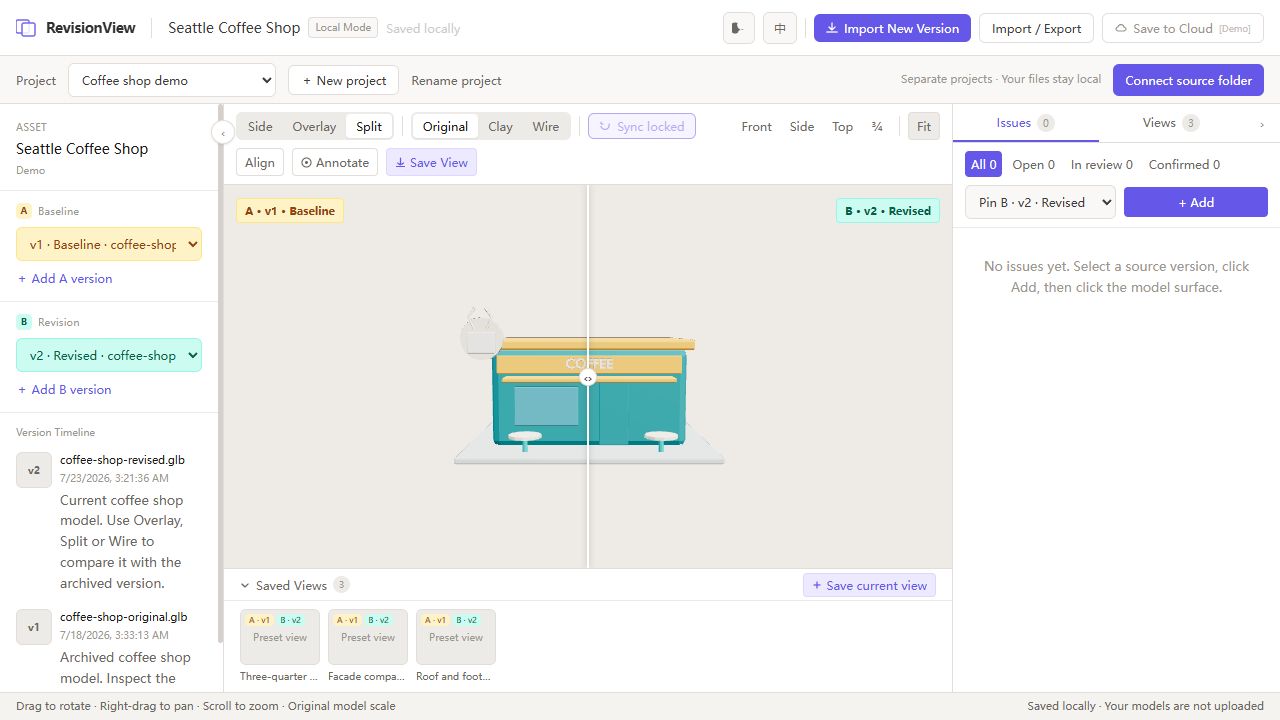 Seattle Coffee Shop in split view. The baseline and revised facade share one camera, with a movable divider for checking the same area across versions.
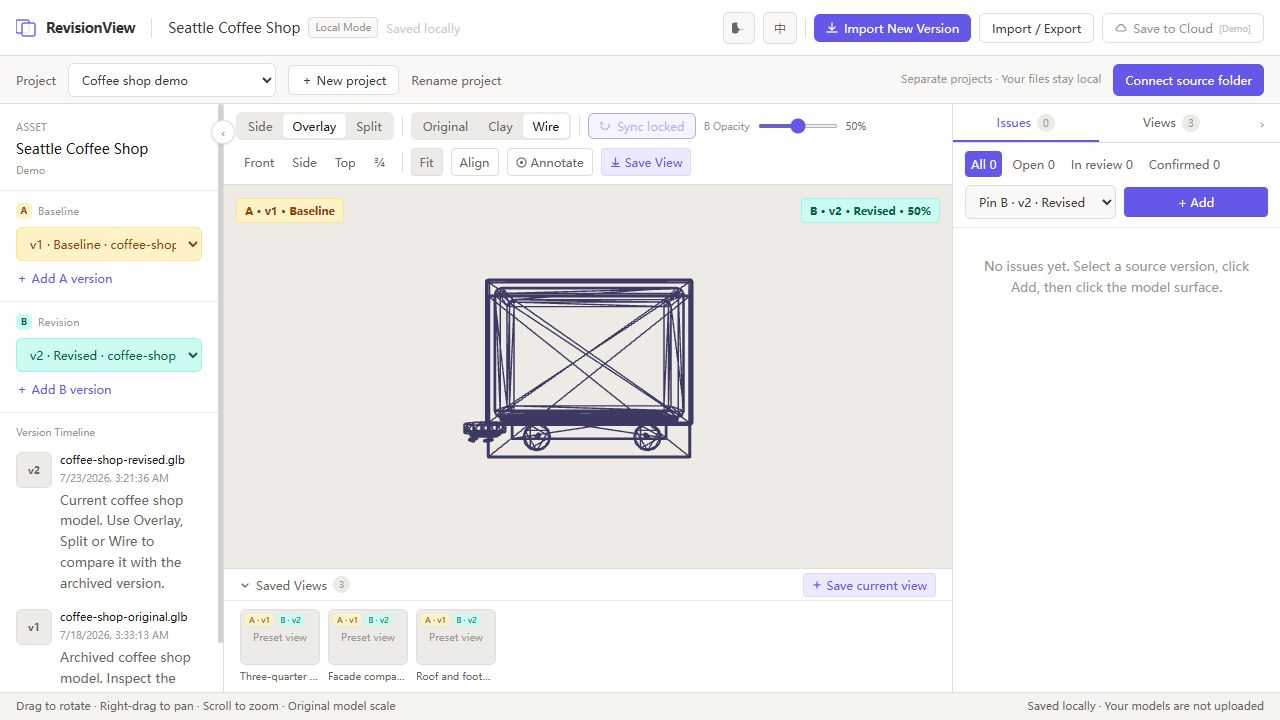 Seattle Coffee Shop in wireframe overlay from above. This saved viewpoint combines the version pair, camera, comparison mode, and material mode for a repeatable geometry check.
These views demonstrate the review workflow. They help judge whether an optimization preserves the intended appearance; runtime performance still needs to be measured in the game.
Keeping Iteration Reviewable
The review loop is straightforward:
- Choose a baseline and a revised model, then compare them with synchronized views.
- Switch comparison and material modes to inspect a particular change.
- Save the viewpoint and annotate a concern on the relevant model version.
- Load the next revision and revisit the saved angle to continue the check.
The implementation uses Three.js and WebGL for model rendering, with React and TypeScript for the review interface and state. Saved viewpoints retain the version pair and display settings, so a review can resume with its original context.
For user-imported assets, GLB files are read locally and review records persist in the browser. Source-file fingerprints help detect when a file has changed underneath an existing version. Review records can be exported separately from the model files, and a source folder can be reconnected in one batch.
Current Direction
The practical outcome is a shorter setup process for repeated visual checks during Road Trip development. It also gives me a focused tool to refine around the needs of artists, small studios, and model-production teams reviewing successive deliveries.
RevisionView remains work in progress. The current workflow centers on local files and browser-saved reviews; cloud collaboration is still a product direction.
Related Projects
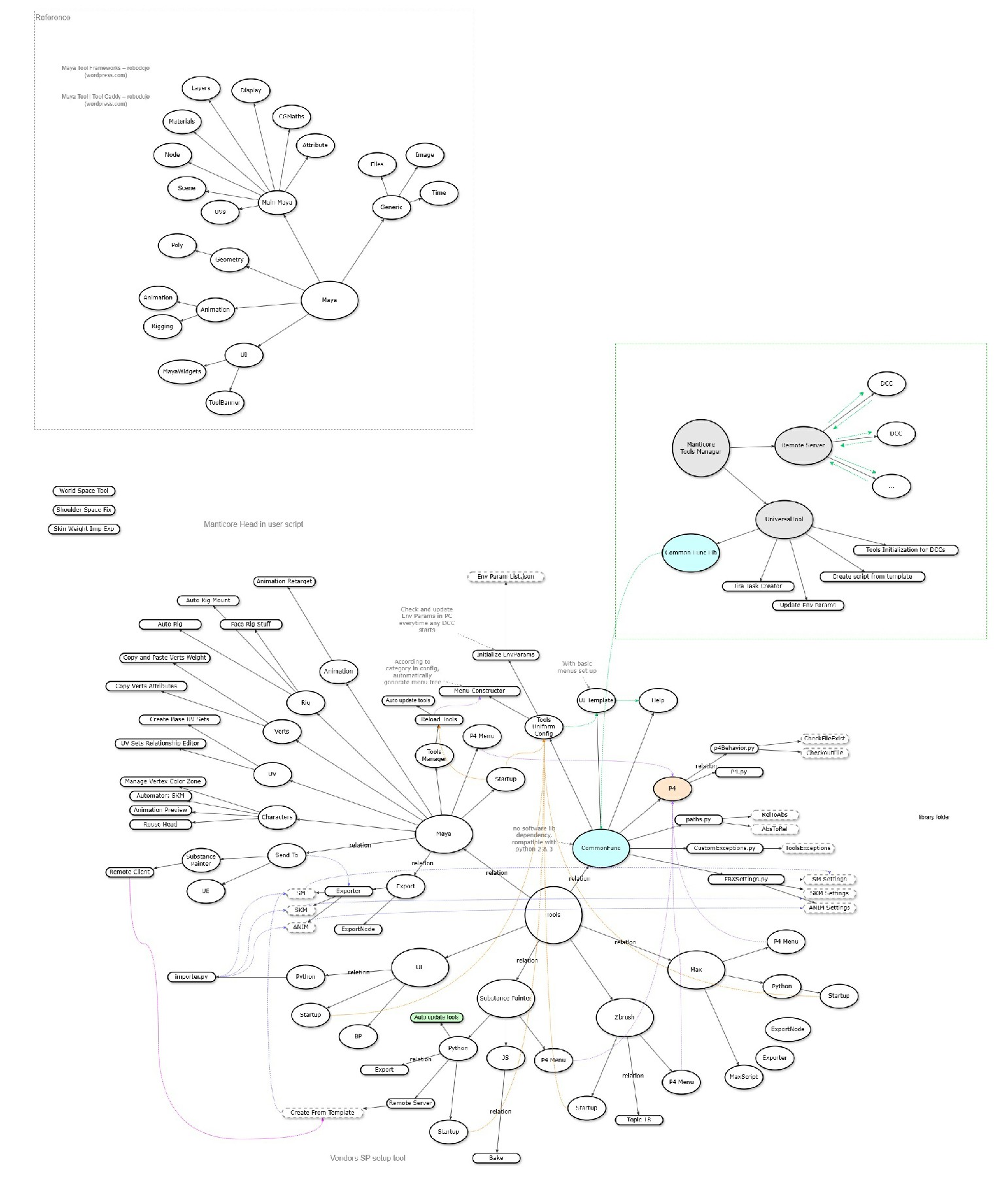
DCC Tools / Pipeline
Manticore Games · 2020
Digital content creation tools and pipeline integrations
Impact
Standardized artist-facing DCC workflows, reduced manual export/setup work, and made pipeline tools easier for technical artists to maintain and extend.
 WIP
WIPRoad Trip: Ahead One
Personal Project · 2026
A browser-based idle and companion game supported by art-directed procedural worlds and an AI-assisted 3D asset pipeline
Impact
Built and publicly released a playable road-trip game while developing a reusable approach to procedural art direction, AI-assisted asset integration, runtime diagnosis, and safe content iteration. Visual refinement and broader performance validation remain in progress.